So that took a while…
Took a little more than a week for me to get to this second blog post, but we made it!
So I’ve worked on Camera Shy for about 45 days straight (at the time of writing… which was like may). That is longer than I’ve stuck with any personal project! As someone who really struggles to focus on one thing for very long, this already is a pretty big accomplishment for me.
I was also able to land another job! I’ll be able to keep myself afloat now while I work on this game. It’s pretty freeing to decide that my job is just income and my goal is to finish this game. I’m putting way less pressure on myself at work, and I feel a lot better for it.
Anyway, back to camera shy
Camera Shortcuts
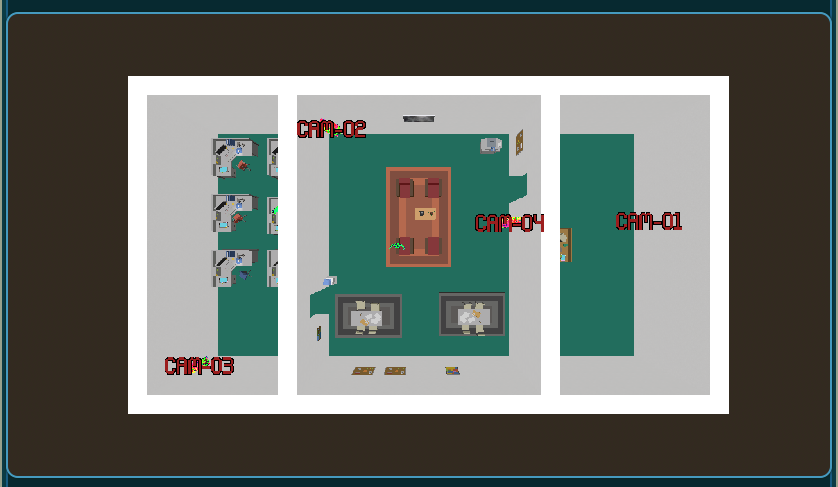
One new mechanic that I added in during development was the idea of camera shortcuts and jumping to them via an overhead map. Before, in order to jump from one camera to another, you had to have line of sight to the target camera. Now you also can jump to cameras that you’ve “marked”
This will let me make some part of the level a little out of order, which gives me more puzzle design space.
Art assets
Being Okay With Jank
I’m no great artist. I’m not even a good artist. My game might look a little janky. I may use really low poly models and stiff animations, but I got some really great advice from the creator of Children of the Sun on this:
Having a creative work be a little jank is okay. It’s my style right now and as I grow i’ll be able to look back on this jank fondly.
Dialing in on a feel
I’m trying out a jet set radio meets severance kind of vibe now. My offices look pretty low poly and the VHS screen shader lend a bit of a creepy vibe but the character designs that the folks at gang-fight are making for me have that very 90s neon punk aesthetic.
Building levels
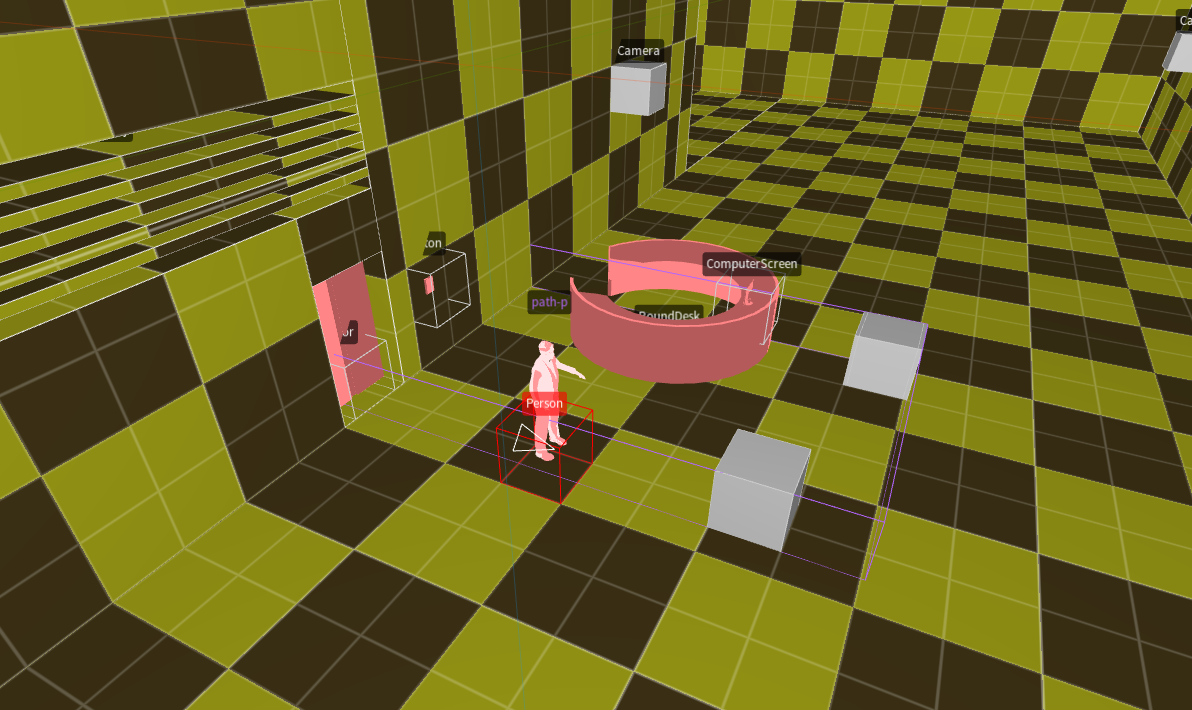
I started getting really into trenchbroom and func_godot. I’ll do a write up on it at some point, but having a dedicated tool for building levels has been a big speed boost. Just making levels in blender or with grid tiles was taking me too long.
Trenchbroom is a tool for making quake maps, actually. There’s a really great godot plugin called func_godot which lets me describe “entites” in godot which can be used in trenchbroom and imports trenchbroom maps as a scene in godot.
Truthfully, it’s been a breeze. Having a dedicated level design tool
End
That’s all for right now. I’ll see ya’ll on the next one.